
Tesla Model 3: Cap - Wheel (Remove and Replace)
Tesla Model 3 2017-2026 Service Manual / Wheel and Tires / Wheels / Cap - Wheel (Remove and Replace)
SPECIAL TOOLS
Wheel Trim Removal Tool (1044206-00-A)
Remove
- Remove the wheel cap according to the type of wheel.
- 18 inch pinwheel wheel: See step 2
- 19 inch stiletto wheel: See step 3
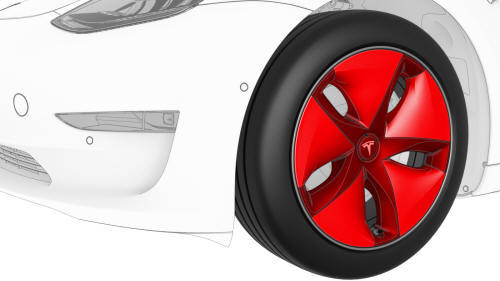
- Gently pull the wheel cap with both hands to release the clips that
attach the wheel cap to the wheel.
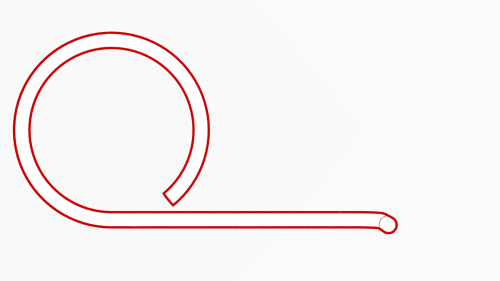
Wheel trim removal tool
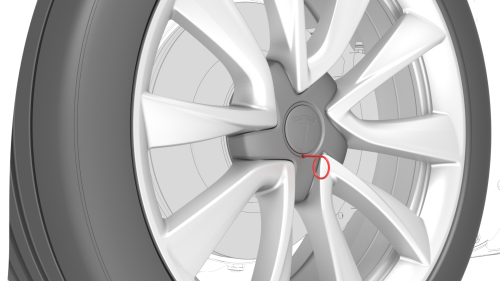
Wheel trim removal tool inserted
- Insert the wheel trim removal tool in the hole on the center cap, and
then pull to remove the center cap.
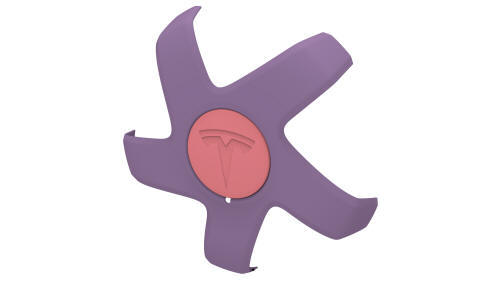
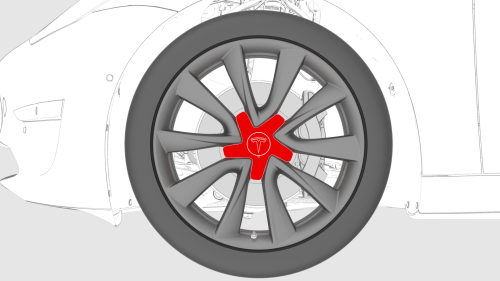
Wheel center cap
Install
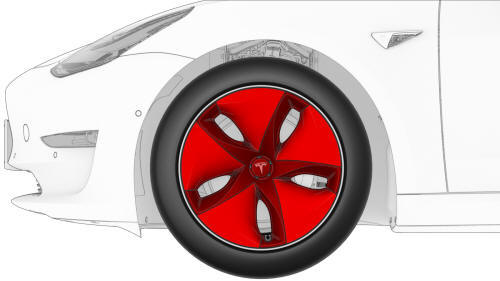
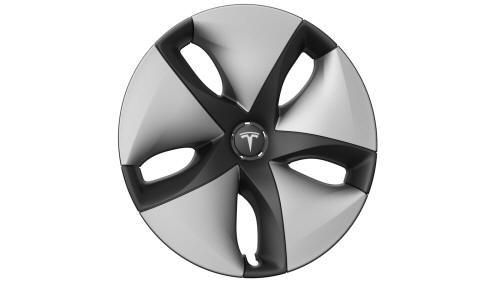
18 inch pinwheel "aero" wheel cap
19 inch stiletto wheel cap
- Position the wheel cap over the wheel with the bottom of the Tesla "T" pointing to the valve stem.
- Press the center of the cap firmly onto the wheel.
READ NEXT:
 Wheel (Remove and Install)
Caution:
Do not install base wheels onto vehicles with performance brakes, or
install performance wheels onto vehicles with base brakes. Base and performance
wheels have different offsets to accom
Tire - Front - LH (Dismount and Mount)
Warning:
Always read and understand the tire equipment operator's
manual before operating the tire changer.
Note: These instructions are based on the Hunter T
SEE MORE:
Duct - HVAC Plenum - Inner (Remove and Replace)
Remove
Remove the rear underhood apron. See
Underhood Apron - Rear (Remove and Replace).
Remove the outer HVAC plenum. See
Duct - HVAC Plenum - Outer (Remove and Replace).
Remove the hood latch cover. See
Cover - Hood Latch (Remove and Replace).
Remove the underhood storage unit. See
Unde
Shield - Dust - Brake - Front - LH (Remove and Replace)
Remove
Note: This procedure is applicable to both Model 3 base and sport
brake dust shields.
Remove the LH front brake rotor. See
Brake Rotor - Front - LH (Remove and Replace).
Remove the bolts that attach the LH front brake dust shield to the
knuckle, and then remove the dust shield fr
© 2019-2026 Copyright www.tmodel3.com
