
Tesla Model 3: Sensor - Airbag - Front - LH (Remove and Replace)
Tesla Model 3 2017-2026 Service Manual / Safety and Restraint / Sensors / Sensor - Airbag - Front - LH (Remove and Replace)
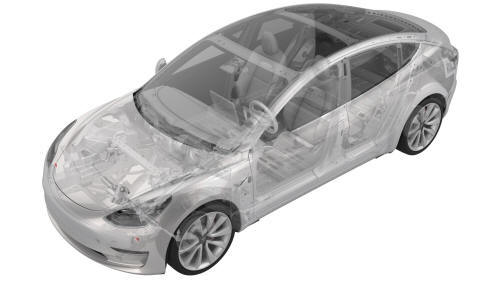
Remove
- Remove the front LH wheel arch liner. See Wheel Arch Liner - Front - LH (Remove and Replace).
.jpg)
- Disconnect the electrical wiring harness connector from the LH front airbag sensor.
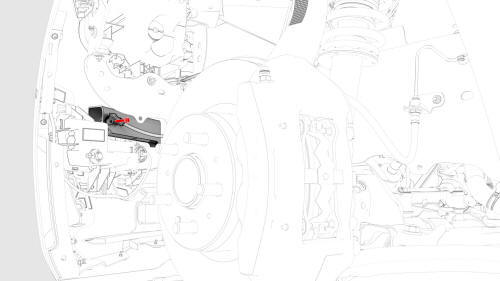
- Remove the bolt that attaches the airbag sensor to the front end carrier,
and then remove the sensor from the vehicle.
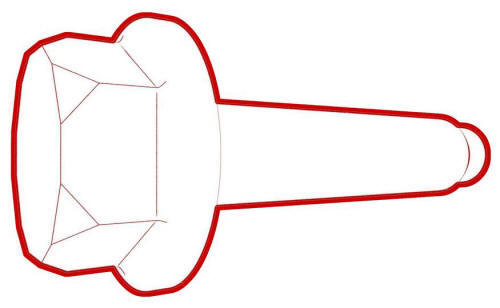 Torque 8 Nm
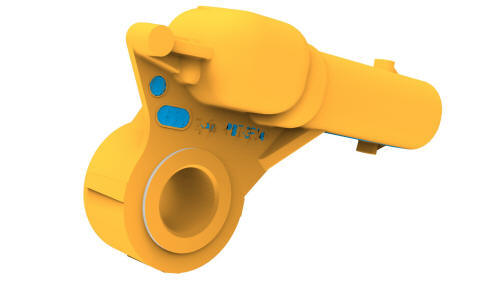
Install
Installation procedure is the reverse of removal.
READ NEXT:
 Touchscreen
Touchscreen (Remove and Replace)
Remove
Remove the 2nd row lower seat cushion. See Seat Cushion - Lower - 2nd
Row (Remove and Replace).
Remove the rear underhood apron. See Underhood Apron - Re
SEE MORE:
Headrest - 2nd Row - Center (Remove and Replace)
SPECIAL TOOLS
M3 1R Headrest Removal Tool (1132841-00-A)
Remove
Release the RH and LH center headrest clips simultaneously, and then pull the
headrest upwards to remove it.
Note: Use a pocket screwdriver to release the LH headrest clip
Install
Installation procedure is the reverse of remo
Beam - Cross Car (Remove and Replace) - Remove
Remove
Remove the IP carrier. See
IP Carrier (Remove and Install).
Remove the LH air wave duct. See
Duct - Air Wave - LH (Remove and Replace).
Remove the LH footwell duct. See
Duct - Footwell - LH (Remove and Replace).
Remove the clips that attach the LH side of the main carpet to th
© 2019-2026 Copyright www.tmodel3.com
