
Tesla Model 3: Solenoid - Glove Box (Remove and Replace)
Tesla Model 3 2017-2026 Service Manual / Instrument Panel / Solenoid - Glove Box (Remove and Replace)
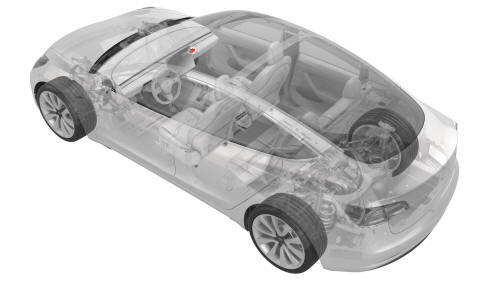
Remove
- Remove the glove box. See Glove Box (LHD) (Remove and Replace).
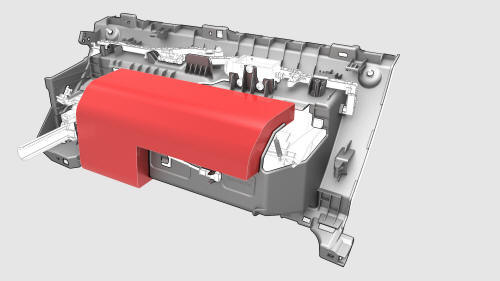
- Remove and discard the NVH pad from the glove box.
Note: The NVH pad is one time use only.
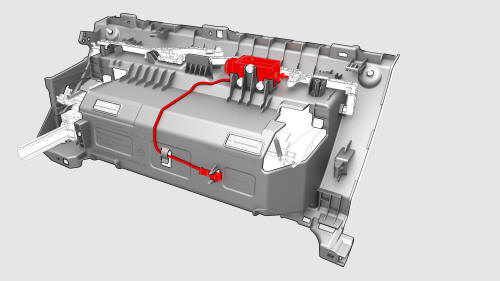
- Release the clips that attach the glove box solenoid electrical harness to the glove box.
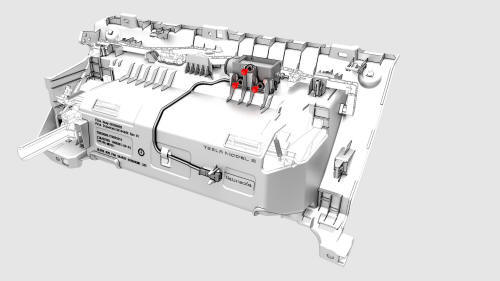
- Remove the bolts that attach the glove box solenoid to the glove box, and then remove the solenoid from the glove box.
Note: The solenoid plunger has a right angle bend into the link rod.
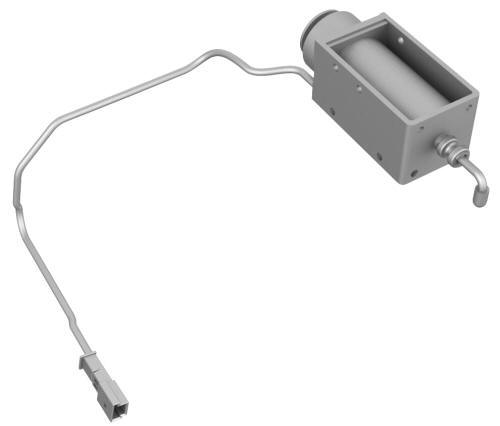
Install
- Install the glove box solenoid to the glove box.
Note: Align the glove box solenoid with the link rod, and then push down to install.
- Install the screws that attach the glove box solenoid to the glove box.
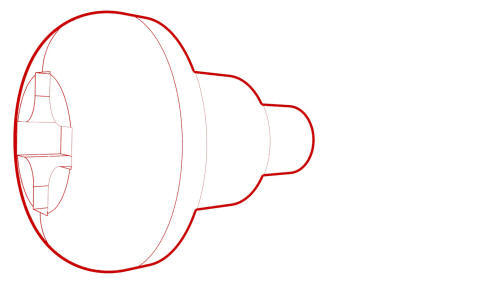 Torque 0.8 Nm
- Install the clips that attach the glove box solenoid electrical harness to the glove box.
- Install a new NVH pad onto the glove box.
- Install the glove box. See Glove Box (LHD) (Remove and Replace).
READ NEXT:
 End Cap - Air Wave - LH (Remove and Replace)
Remove
Remove the LH instrument panel end cap. See
End Cap - Instrument Panel - LH (Remove and Replace).
Release the clips that attach the LH air wave end cap to the main
instrument pane
SEE MORE:
Tweeter - Dash (Remove and Replace)
Remove
Remove the LH and RH instrument panel end caps. See End Cap - Instrument
Panel - LH (Remove and Replace).
Remove the LH and RH mid A-pillar trims. See Trim - A-Pillar - Middle -
LH (Remove and Replace).
Remove the LH and RH upper A-pillar trims. See Trim - A-Pillar - Upper -
LH (R
USB Hub - Center Console - Rear (Remove and Replace)
Remove
Remove the center console air vent panel. See Panel - Air Vent - Center
Console (Remove and Replace).
Remove the screws that attach the vent unit to the center console air
vent panel, and remove the vent unit from the panel
Torque 1.6 Nm
Remove the screws that attach the r
© 2019-2026 Copyright www.tmodel3.com
