
Tesla Model 3: Condenser (Remove and Replace)
Tesla Model 3 2017-2026 Service Manual / Thermal Management / Refrigerant System / Condenser (Remove and Replace)
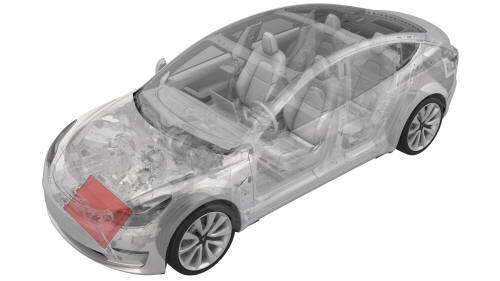
Remove
- Remove the cooling fan module. See Module - Cooling Fan (Remove and Install).
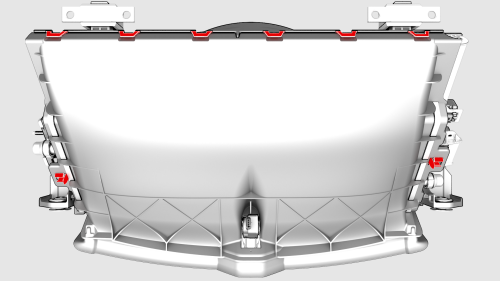
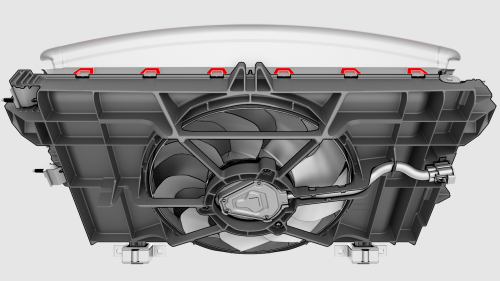
- Release the clips (x14) that attach the active grille shutter to the cooling fan module, and then remove the active grille shutter from the module.
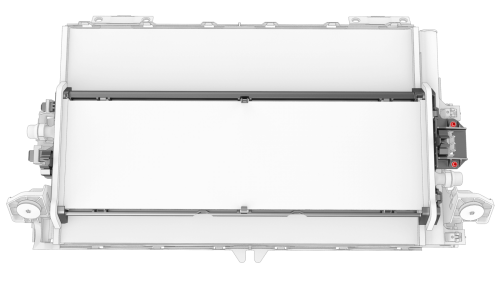
- Remove the screws (x2) that attach the radiator to the cooling fan
module.
 Torque 10 Nm
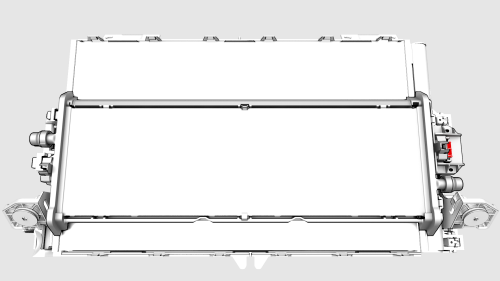
- Release the clip that attaches the radiator to the cooling fan module, and then remove the radiator from the cooling fan module.
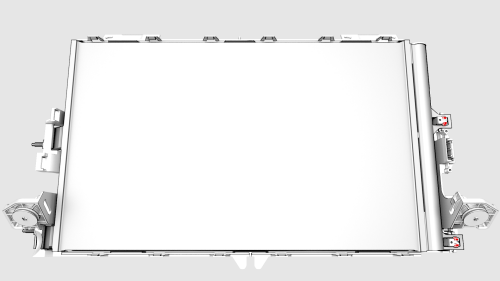
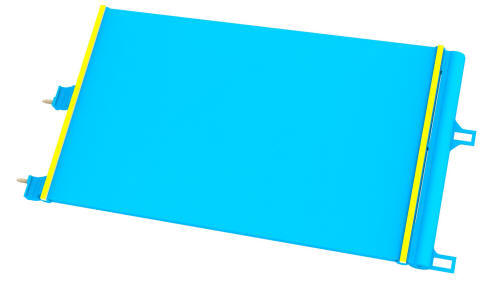
- Release the clips (x2) that attach the condenser to the cooling fan
module, and then remove the condenser from the cooling fan module.
Install
Installation procedure is the reverse of removal.
READ NEXT:
 Evaporator (Clean)
Remove
Remove the cabin filters. See
Remove.
Attach the hose to the evaporator cleaner bottle.
Insert the hose in the HVAC filter housing, and then spray the entire
bottle on the evaporat
Evaporator (Remove and Replace)
Evaporator- Remove
Remove
Remove the HVAC assembly. See
HVAC Assembly (Remove and Replace).
Put the HVAC assembly on a working surface. Make sure that the HVAC
assembly is on its side with the
SEE MORE:
Link - Fore - Upper - Rear - LH (Remove and Replace)
SPECIAL TOOLS
Tool, Spring Compressor, Hook, Model 3 (1135103-00-A)
Remove
Remove the rear subframe assembly. See
Subframe Assembly - Rear (Remove and Install).
Remove the bolt and nut that attach the LH rear upper fore link to the
knuckle.
With an assistant, remove the bolt and nut
Module - TPMS (Sensor ID Learn)
SPECIAL TOOLS
TOOL, TPMS SERVICE,
ATEQ VT30 (1050759-00-A)
TOOL, TPMS SERVICE,
ATEQ VT36 (1050759-00-B)
Procedure
Review the TPMS
serv
© 2019-2026 Copyright www.tmodel3.com
