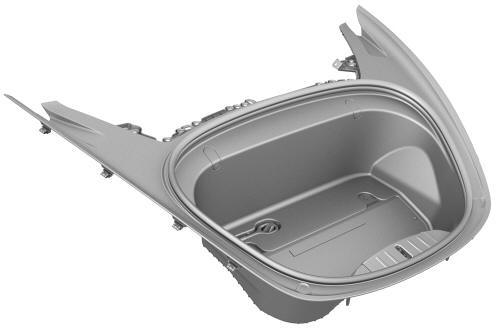
Tesla Model 3: Underhood Storage Unit (Remove and Replace)
Underhood Storage Unit (Remove and Replace) -
Remove
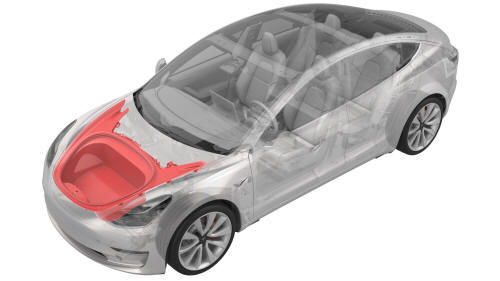
Remove
- Remove the rear underhood apron. See
Underhood Apron - Rear (Remove and Replace).
- Remove the cabin intake duct. See
Duct - Cabin Intake (Remove and Replace).
- Remove the hood latch cover. See
Cover - Hood Latch (Remove and Replace).
- Remove the underhood storage unit carpet.
- If the same underhood storage unit is being reinstalled, skip to step
8. Otherwise, go to the next step if the underhood storage unit is being
replaced with a new one.
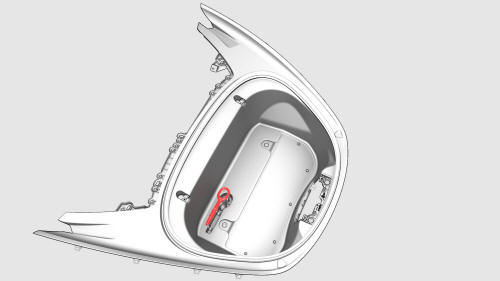
- Remove the tow hook from the underhood storage unit.
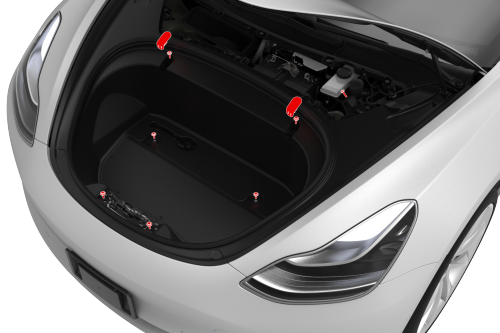
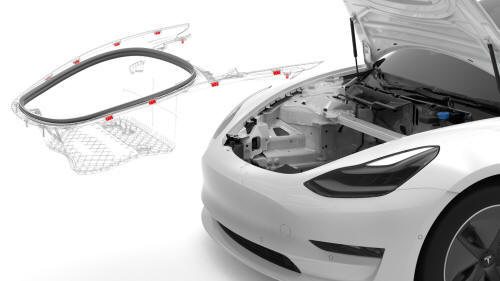
- Release the clips that attach the underhood storage unit to the vehicle,
and then remove the underhood storage unit from the vehicle.
Note: Replace any broken or missing clips, if reinstalling
the same underhood storage unit.
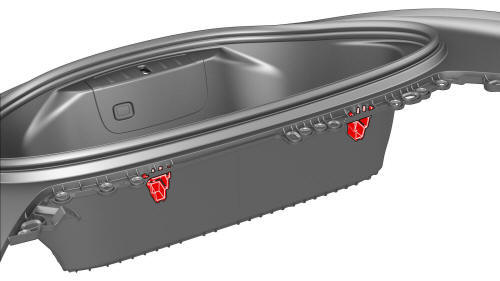
- Remove the reinforcement clips that are attached to the
underhood storage unit, if replacing the underhood storage unit with a new
one.
Underhood Storage Unit (Remove and Replace) -
Install
Install
- Install the reinforcement clips that are attached to the underhood
storage unit, if installing a new the underhood storage unit. Otherwise,
skip to the next step if reusing the underhood storage unit.
- Install the clips that attach the underhood storage unit to the vehicle.
Note: Make sure that all clips for the underhood storage unit are
engaged.
- Install the tow hook on the underhood storage unit.
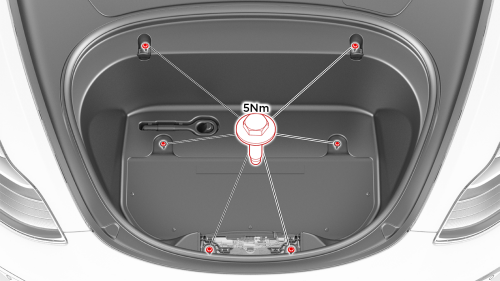
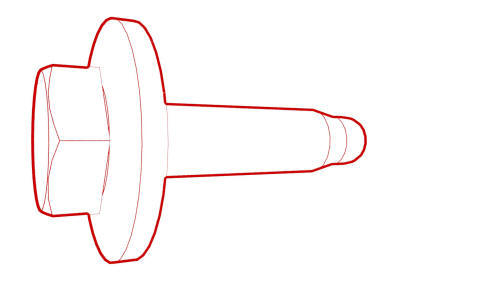
- Install the bolts that attach the underhood storage unit to the vehicle.
Torque 5 Nm
- Install the underhood storage unit carpet.
- Install the hood latch cover. See
Cover - Hood Latch (Remove and Replace).
- Install the cabin intake duct. See
Duct - Cabin Intake (Remove and Replace).
- Install the rear underhood apron. See
Underhood Apron - Rear (Remove and Replace).
READ NEXT:
SEE MORE:
Camera - Occupant (Remove and Replace)
Remove
Remove the rear view mirror. See Mirror - Rear View (Remove and Replace).
Release the clips that attach the upper quad camera cover, disconnect
the occupant camera connector, and remove the camera cover from the vehicle.
Remove the screws
Fender Assembly - Front - LH (Remove and Replace)- Remove
This procedure assumes the cowl screen carrier bracket, headlight grommet,
and underhood storage unit clips on the fender assembly being replaced are
undamaged. Inspect these components and if necessary, replace with new parts.
Remove