
Tesla Model 3: Actuator - Latch - Hood - Secondary (Remove and Replace)
Remove
Note: Release the clip before removing the actuator cable from the
latch arm.
Install
Note: Secure the cable end to the latch arm, and then attach the
clip.Actuator - Latch - Hood - Secondary (Remove and Replace)- Remove
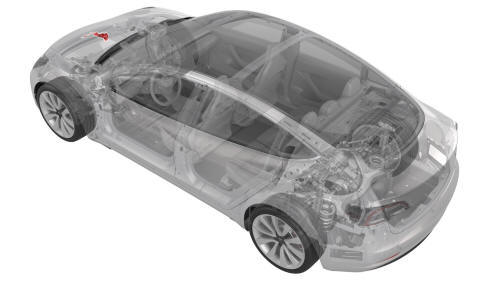
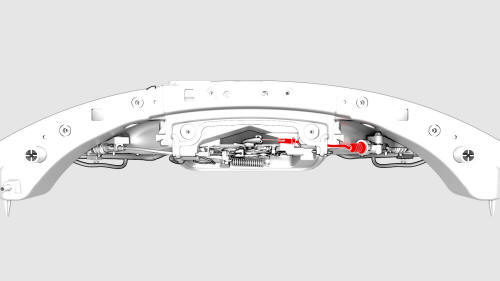
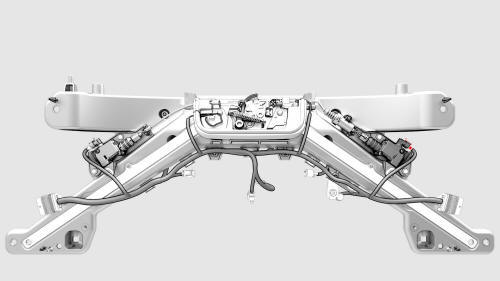
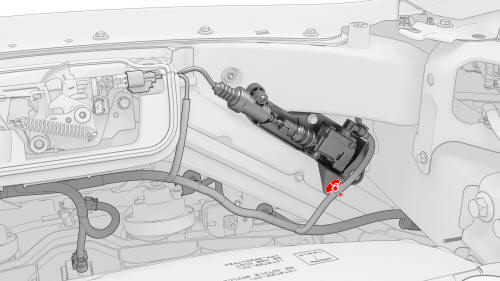
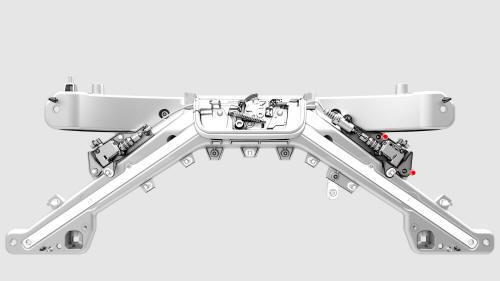
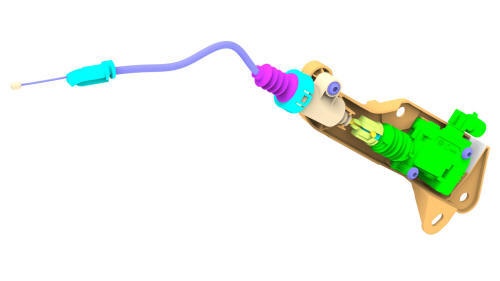
Actuator - Latch - Hood - Secondary (Remove and Replace)- Install
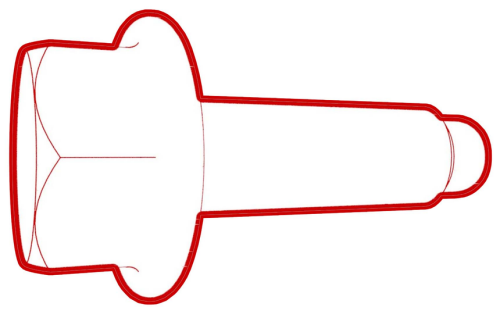 Torque 5 Nm
READ NEXT:
 Latch - Door - Front - LH (Remove and Replace)
Remove
Remove the front LH door closeout panel. See Closeout Panel - Door -
Front - LH (Remove and Install).
Disconnect the electrical harness from the door latch connector.
SEE MORE:
Duct - Air Wave - LH (Remove and Replace)
Remove
Remove the IP carrier. See
IP Carrier (Remove and Replace).
Remove the screws (x2) that attach the LH air wave duct to the cross bar
beam, and then remove the duct from the vehicle.
Install
Install the LH air wave duct to the cross car beam, and then install the
screws (x
Armrest - 2nd Row (Remove and Replace)
Remove
Open all four doors and move the front LH and RH seats fully forward.
Fold down the RH 2nd row seatback assembly.
Remove the bolt that attaches the 2nd row armrest to the LH 2nd row seat
back assembly.
Torque 15 Nm
Pull the RH side of the 2nd row center armrest towards
