
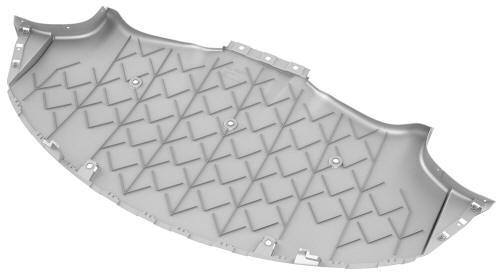
Tesla Model 3: Diffuser - Rear Fascia (Remove and Replace)
Tesla Model 3 2017-2026 Service Manual / Exterior Fittings / Undertray and Diffuser / Diffuser - Rear Fascia (Remove and Replace)
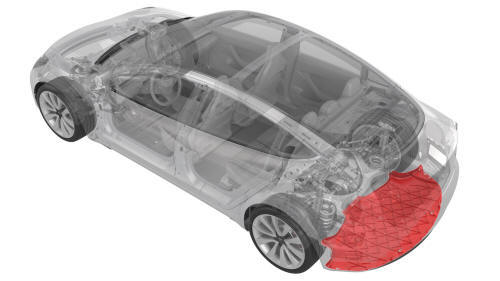
Remove
- Raise and support the vehicle. See Raise Vehicle - 2 Post Lift.
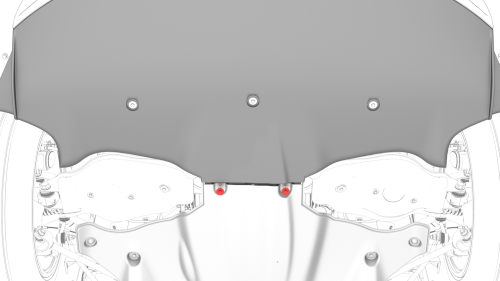
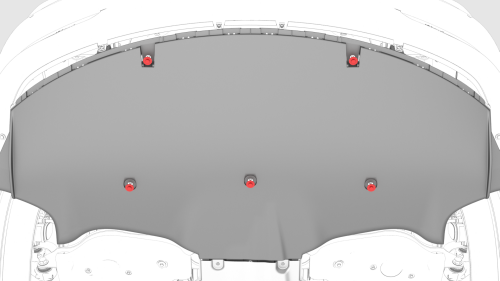
- Remove the bolts that attach the rear fascia diffuser to the mid aero
shield.
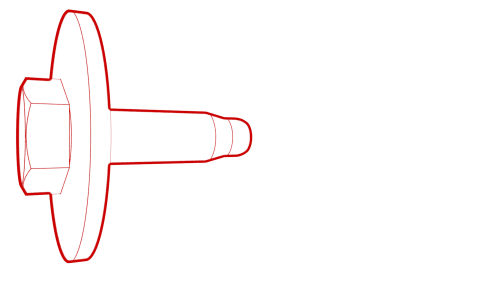 Torque 5 Nm
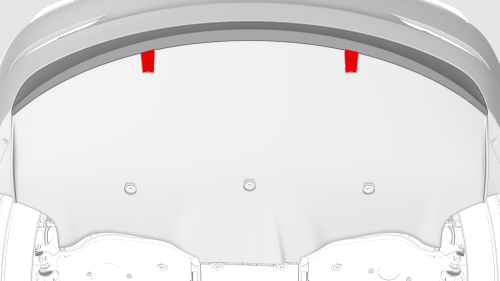
- Remove the fastener covers, and then remove the bolts that attach the
rear fascia diffuser to the vehicle.
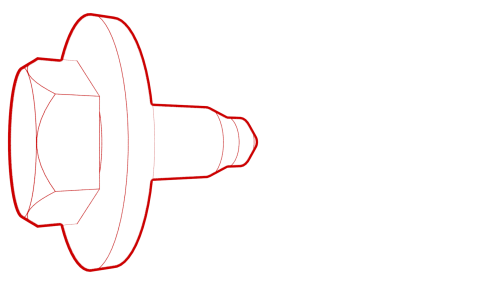 Torque 4 Nm
.png)
- Remove the bolts that attach the rear fascia diffuser to the outer edge
of the rear fascia.
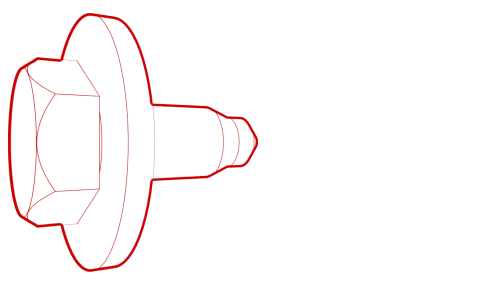 Torque 3 Nm
.png)
- Remove the bolts that attach the rear fascia diffuser to the inside of
the rear fascia.
Torque 3 Nm
Note: Reach into the loosened rear fascia diffuser to access these bolts.
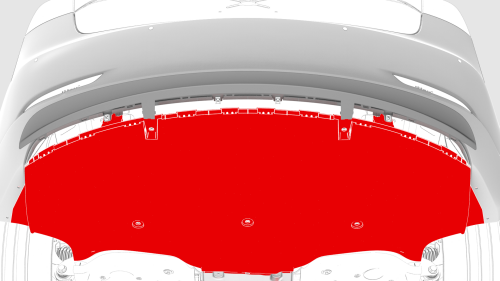
- Release the tabs that attach the rear fascia diffuser to the rear
fascia, and then remove the diffuser.
Install
Installation procedure is the reverse of removal.
READ NEXT:
 Panel - Aero Shield - Front (Remove and Replace)
Remove
Raise and support the vehicle. See
Raise Vehicle - 2 Post Lift.
Remove the bolts (x9) that attach the front aero shield panel to the
vehicle.
Remove the nuts (x2) that attac
Panel - Aero Shield - Mid (Remove and Replace)
Remove
Raise and support the vehicle. See
Raise Vehicle - 2 Post Lift.
Remove the bolts (x13) that attach the mid aero shield panel to the
vehicle, and then remove the panel from the veh
SEE MORE:
Control Arm - Upper - Front - LH (Remove and Replace)
Control Arm - Upper - Front - LH - Remove
SPECIAL TOOLS
Tool, FUCA Ride Height, Model 3 (1450399-00-A)
Remove
Raise and support the vehicle. See
Raise Vehicle - 2 Post Lift
Remove the LH front wheel. See
Wheel (Remove and Install).
Remove the rear underhood apron. See
Underhood Apron - Rear
Doors
Keyless Locking and Unlocking
Locking and unlocking Model 3 is easy and
convenient. Just carry your authenticated
phone or paired key fob with you. Model 3
recognizes the presence of an authenticated
phone or paired key fob and automatically
unlocks when you press a door handle, and
locks when
© 2019-2026 Copyright www.tmodel3.com
