
Tesla Model 3: Latch - Door - Rear - LH (Remove and Replace)
Tesla Model 3 2017-2026 Service Manual / Closures / Latches Strikers and Pinch Sensors / Latch - Door - Rear - LH (Remove and Replace)
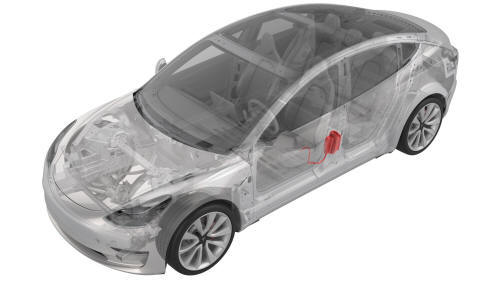
Remove
- Remove the front LH door closeout panel. See Closeout Panel - Door - Front - LH (Remove and Install).
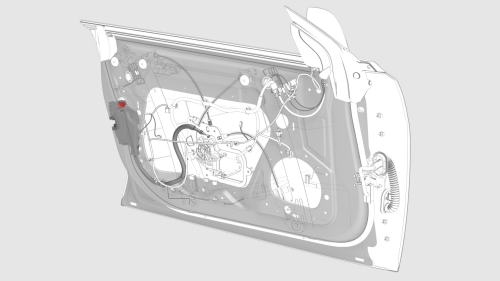
- Disconnect the electrical harness from the door latch connector.
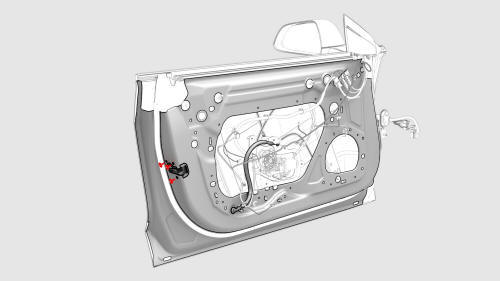
- Remove the bolts that attach the latch to the rear of the door.
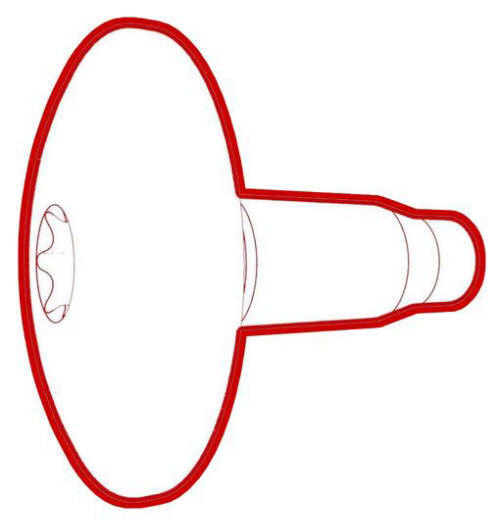 Torque 10 Nm
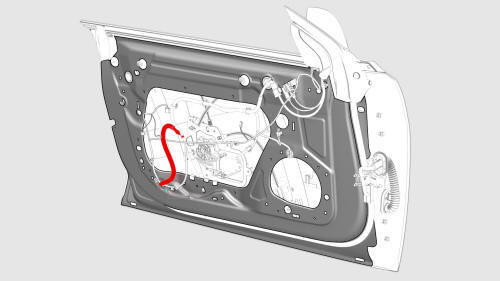
- Press the latch cable grommet in through the door, and move the cable in
through the opening while simultaneously removing the latch from the door.
Install
Installation procedure is the reverse of removal, except for the following:
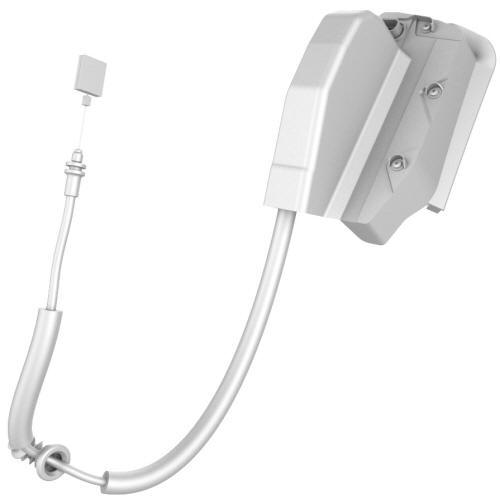
Note: When installing the latch, pull on the grommet and not the cable to seat the grommet in the door.
READ NEXT:
 Latch - Hood (Remove and Replace)
Remove
Remove the rear underhood apron. See Underhood Apron - Rear (Remove and
Replace).
Remove the cabin intake duct. See Duct - Cabin Intake (Remove and
Replace).
Remove the hood latch co
Latch - Trunk (Remove and Replace)
Remove
Remove the trunk lid trim. See Trim - Lid - Trunk (Remove and Replace).
Disconnect the electrical connector from the trunk latch.
Remove the bolts that attach the trunk latch to
Manual Release - Door - Rear - LH (Actuate)
Open Rear Door Using Manual Release Cable
Note: This procedure describes how to manually open the rear door
on a vehicle that does not have 12V power.
Remove the bolt that attaches the access
SEE MORE:
Subframe Assembly - Rear - Remove
SPECIAL TOOLS
Fixture, Subframe, Model 3 (1099645-00-B)
Lifting Sling, Drive Unit, Model 3 (NA, APAC) (1130279-00-A)
Adapter, Subframe, Body Shop, Model 3 (1130481-00-A)
Tool, Hub Puller, Hydraulic (1096075-00-A)
Tool, Axle Extraction, Model 3 (1133386-00-A)
Lever Lock, HV Connector, Model 3 (1140
Door - Rear - LH (Remove and Install)
Door - Rear - LH (Remove)
Remove
Open the rear LH door, and fully lower the window.
Pass a shop towel halfway through the striker, and close the door so
that it rests against the shop towel.
Open the front LH door.
Release the clips (x4) of the rear LH door electrical harness seal at
© 2019-2026 Copyright www.tmodel3.com
