
Tesla Model 3: Link - Compliance - Lower - Front - LH (Remove and Replace)
Tesla Model 3 2017-2026 Service Manual / Suspension / Front Suspension (Including Hubs) / Link - Compliance - Lower - Front - LH (Remove and Replace)
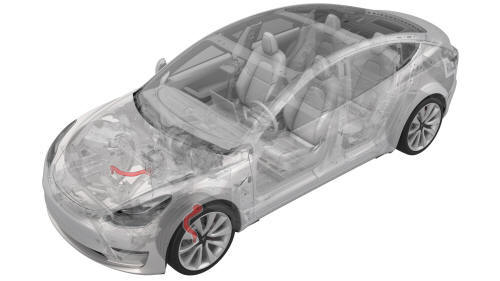
Remove
- Remove the LH front wheel arch liner. See Wheel Arch Liner - Front - LH (Remove and Replace).
- Remove the front aero shield panel. See Panel - Aero Shield - Front (Remove and Replace).
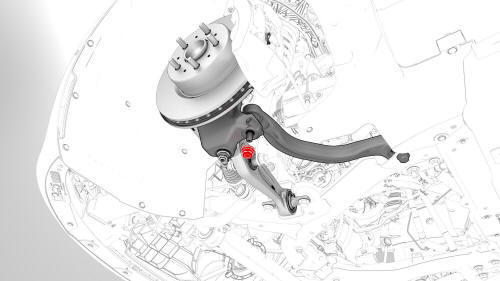
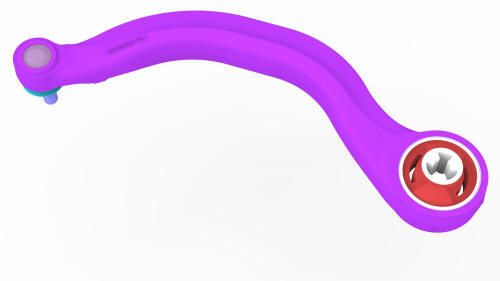
- Remove and discard the nut that attaches the front LH lower compliance
link to the knuckle.
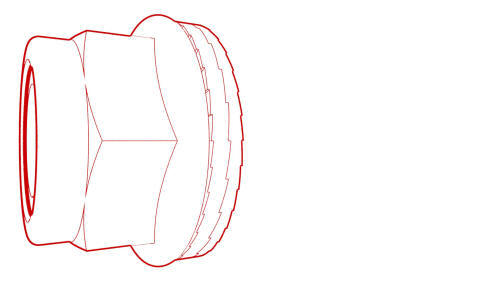 Torque 180 Nm
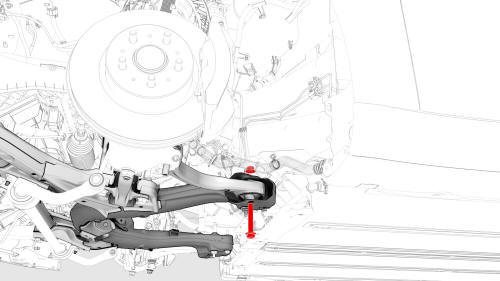
- Remove the bolt and nut that attach the link to the front subframe, and
then remove the link from the subframe and knuckle.
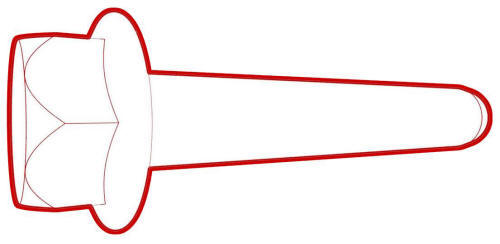 Torque 115 Nm
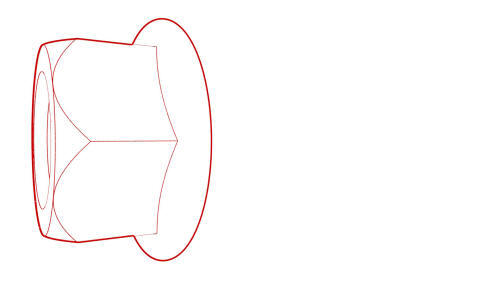 Torque 115 Nm
Install
Installation procedure is the reverse of removal, except for the following:
- Replace all nyloc nuts.
- Perform a 4 wheel alignment. See Four Wheel Alignment (Check and Adjust).
READ NEXT:
 Link - Lateral - Lower - Front - LH (Remove and Replace)
Remove
Raise and support the vehicle. See
Raise Vehicle - 2 Post Lift.
Remove the LH front wheel. See
Wheel (Remove and Install).
Remove and discard the nut that attaches the LH front lowe
Link - Stabilizer Bar - Front - LH (Remove and Replace)
Remove
Remove the LH front wheel. See
Wheel (Remove and Install).
Remove and discard the nuts that attach the front LH stabilizer bar link
to the stabilizer bar and damper, and then remove
Stabilizer Bar - Front (Remove and Replace)
Remove
Remove the front fascia valance. See
Valance - Front Fascia (Remove and Replace).
LH side shown, RH similar
Remove and discard the nuts that attach the front stabilizer bar to the
L
SEE MORE:
Carpet - Rear Trunk (Remove and Replace)
DRAFT
Warning:
This procedure was derived from pre-production computer models, and
might not reflect the real-world situation. Warnings and cautions might be
missing. Follow safety requirements and use extreme caution when working on or
near high voltage systems and components.
Do not redistr
Striker - Door - Rear - LH (Remove and Replace)
Remove
Open the LH rear door.
Mark the position of the LH rear door striker using masking tape.
Remove the bolts that attach the LH rear door striker to the body, and
then remove the striker from the vehicle.
Install
Hand-tighten the bolts that attach the LH rear door striker to
© 2019-2026 Copyright www.tmodel3.com
